Apache Guacamole: The Self-Hosted Remote Access Gateway You’ll Actually Enjoy Using
Set up Apache Guacamole with Docker for secure, self-hosted remote access to RDP, SSH & VNC — perfect for homelabs and VPS admins.
If you’ve ever tried to juggle RDP, SSH, and VNC connections across your homelab or VPS fleet, you know how clunky remote access can get. Separate apps, different credentials, weird firewall rules… it’s a lot.
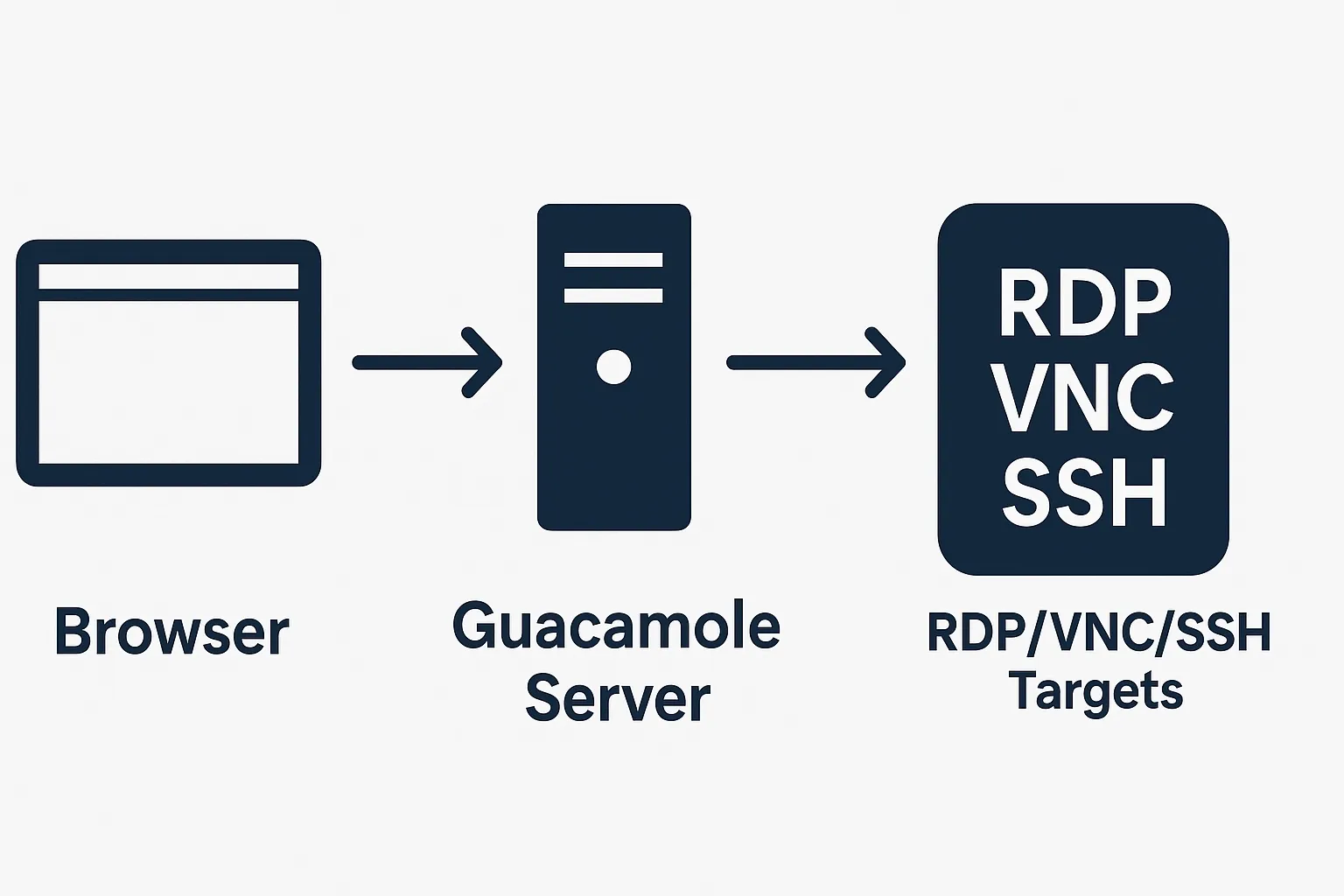
Enter Apache Guacamole — a browser-based remote access gateway that lets you connect to RDP, VNC, SSH, and more from a single pane of glass. No plugins. No fat clients. Just your browser.
In this post, we’ll cover what Guacamole is, why it’s useful, how it compares to alternatives, and how you can spin it up with Docker in minutes.
What is Apache Guacamole?
Apache Guacamole is a clientless remote desktop gateway. “Clientless” means you don’t need to install a special client application; your browser becomes the client. Under the hood, Guacamole uses HTML5 to render remote sessions.
Think of it as your personal “remote access hub” where you can log into Windows servers, Linux boxes over SSH, or legacy systems using VNC — all from one secure web portal.
Why Apache Guacamole Is a Big Deal
- All-in-one access – Instead of juggling multiple apps for SSH, RDP, and VNC, you get a single interface.
- True web-based client – Works from your laptop, tablet, or even your phone.
- Strong authentication – Built-in support for TOTP-based MFA (Google Authenticator, Authy, etc.) adds a serious security layer.
- Self-hosted control – Run it on your own hardware or VPS; no third-party cloud brokers needed.
- Extensible – LDAP, Duo Security, CAS, OpenID Connect, and custom authentication backends are all supported.
Security Benefits
Security is where Guacamole really shines:
- MFA with TOTP: Enforce 2FA for all users directly in the web portal.
- Centralized access control: Manage credentials and permissions in one place.
- No direct exposure of RDP/VNC/SSH ports: Your servers can sit behind firewalls — only Guacamole needs to be publicly reachable.
- Audit and logging: Track who accessed what and when.
Compare that to exposing RDP directly to the internet (yikes). Guacamole gives you a single hardened gateway you can protect and monitor.
Guacamole vs. Other Remote-Access Tools
Feature/Tool
RDP
VNC
Web-based gateways
Guacamole
Clientless browser access
❌
❌
Some
✅
Multiple protocols (RDP, VNC, SSH)
Limited
Limited
Mixed
✅
Built-in MFA (TOTP)
❌
❌
Some
✅
Self-hosted
N/A
N/A
Often SaaS
✅
Single portal for many machines
❌
❌
Mixed
✅
Alternatives like MeshCentral, RustDesk, or commercial solutions (TeamViewer, AnyDesk) have their place, but Guacamole hits the sweet spot for self-hosters who want maximum control, browser-based access, and enterprise-grade features for free.
Real-World Scenarios Where Guacamole Shines
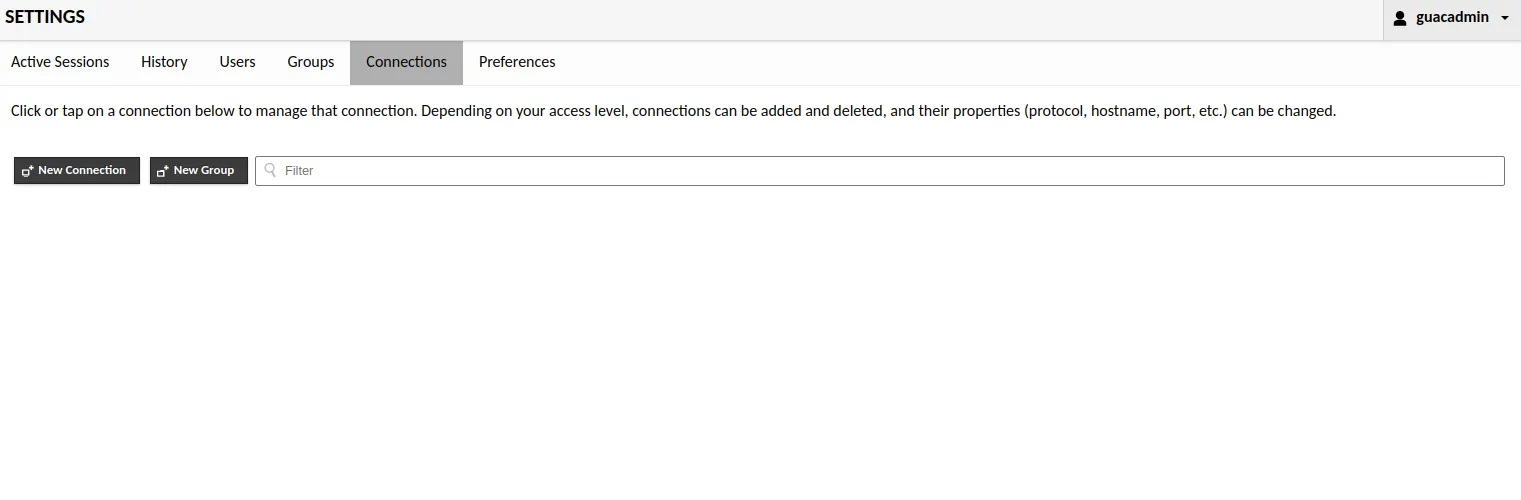
- Homelab management – RDP into a Windows VM, SSH into your NAS, and VNC into a Pi all from one dashboard.
- Cloud/VPS administration – Manage servers across AWS, Hetzner, or DigitalOcean without opening SSH/RDP ports to the world.
- Team access – Give colleagues or contractors a secure portal with granular permissions, no VPN required.
- Legacy systems – Access old Windows servers or headless Linux boxes without juggling multiple apps.
Quick Start: Deploying Apache Guacamole with Docker
The simplest way to get up and running is via Docker using the official guacamole/guacd and guacamole/guacamole images.
Here’s a basic setup:
1. Create a Docker Network
docker network create guacnetThis ensures the Guacamole components can talk to each other securely.
2. Run the Guacamole Daemon (guacd)
docker run --name guacd --net guacnet -d guacamole/guacdguacd is the backend daemon that handles the protocol translation.
3. Run the Guacamole Web App
docker run --name guacamole --net guacnet -d \
  -e GUACD_HOSTNAME=guacd \
  -e MYSQL_HOSTNAME=mysql \
  -p 8080:8080 guacamole/guacamole
This launches the web interface on port 8080.
(You’ll also need a database container such as MySQL or PostgreSQL for persistent user/connection storage. The docs have the full examples.)
4. (Optional) Add a Database
Guacamole can use MySQL or PostgreSQL to store users and connections persistently. Example MySQL container:
docker run --name mysql --net guacnet -e MYSQL_ROOT_PASSWORD=guacpass -d mysql:8(In production, use strong passwords, secrets management, and bind mounts for persistence.)
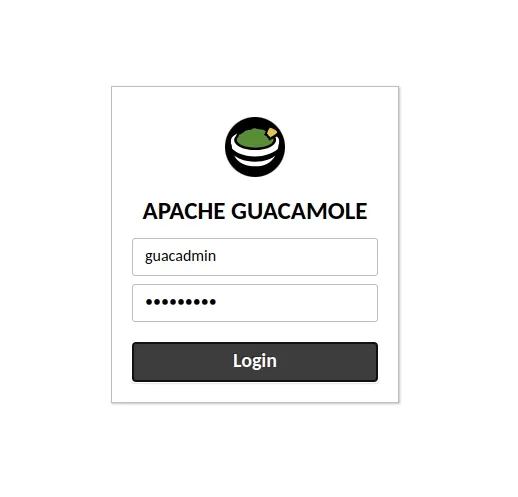
5. Access the Web UI
Open your browser to http://your-server:8080/guacamole
Default credentials (if you haven’t set up the database yet):
- Username:
guacadmin - Password:
guacadmin
Change the password immediately after login.
Basic Best Practices
- Use HTTPS – Put Guacamole behind a reverse proxy like Nginx or Caddy with TLS enabled.
- Enable MFA – In the admin panel, configure TOTP for all users.
- Restrict access – Use firewall rules, VPN, or Cloudflare Access for additional hardening.
- Back up the database – Connections and users live there; don’t lose it.
Going Further
- Apache Guacamole Official Documentation
- Docker Hub – guacamole/guacamole
- Docker Hub – guacamole/guacd
These links cover advanced topics like LDAP integration, reverse proxy setup, and scaling Guacamole for multiple users.
Why You Should Try Apache Guacamole
If you’re running a homelab, a VPS fleet, or any mix of systems that need remote access, Apache Guacamole is a game-changer. It’s free, self-hosted, and genuinely makes life easier while boosting your security posture.
Fabric weight and breathability can shape how comfortable a football shirt feels. For supporters planning a gift, Liverpool kids jersey(camiseta del Liverpool para niños) gives a precise starting point for the intended team. Home and away versions can serve different preferences while representing the same team.
Give Apache Guacamole a try — spin it up with Docker, point it at a few servers, and see how much smoother your remote access can be.
If you enjoyed this guide, subscribe to GeekNP for more deep dives on servers, networking, security, and self-hosting tips.